
XMEYE POE IP Camera Setting RTSP
|
INSTRUCTIONS for setting RTSP 1) Install VLC software. Downloading VLC player and install it in PC. Official download address:
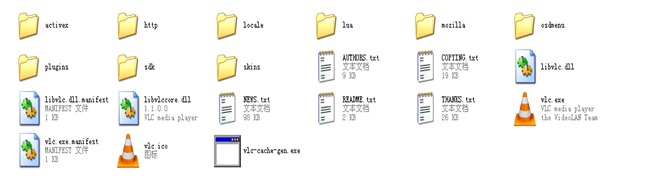
2) Setting Connect Configuration on VLC. 2.1 Double click vlc.exe to open the software:
2.2 Open Network Stream: “Media”——“Open Network Stream”
2.3 Input Network URL: Please fill in the entire network URL of RTSP, like this: rtsp://enster.ticp.net:554/user=admin&password=&channel=1&stream=0.sdp? rtsp://192.168.1.10:554/user=admin&password=&channel=1&stream=0.sdp? In this URL:
enster.ticp.net, This is the device domain name address which is connected. Or 192.168.1.10 This is the device IP address which is connected. :554 This is the RTSP port, it can be changed in Netservice of the device.(see below picture) user=admin This is the device login name.(factory default is admin) password= This is the device password.(factory default no password) channel=1 This is the channel No. (1 stands for first channel.) stream=0.sdp? This stands for Main Stream.
|


